The answer, 99% of the time, is going to be no.
Answer: in 99% of cases, it will be no.
 Mouselingo
Live speech · 60+ languages · documents · AI Q&A
Mouselingo brings lectures, meetings, recordings, and documents into one multilingual workspace: live transcription and translation, bilingual records, and follow-up questions after the session ends.
Complete workflow
Start from microphone, system audio, or uploaded audio, then choose source and target languages.
Generate sentence-level source text and translation with timestamps, speakers, and confidence.
Save recordings into folders with summaries, exports, Q&A, and historical review.
Ask AI questions based on recordings, folders, and translated documents, then share with others.
Use cases
Whether you are in a classroom or a remote meeting, Mouselingo turns speech into bilingual content and keeps it useful after the moment passes.

Translate live speech, keep bilingual notes, and review key points after class.
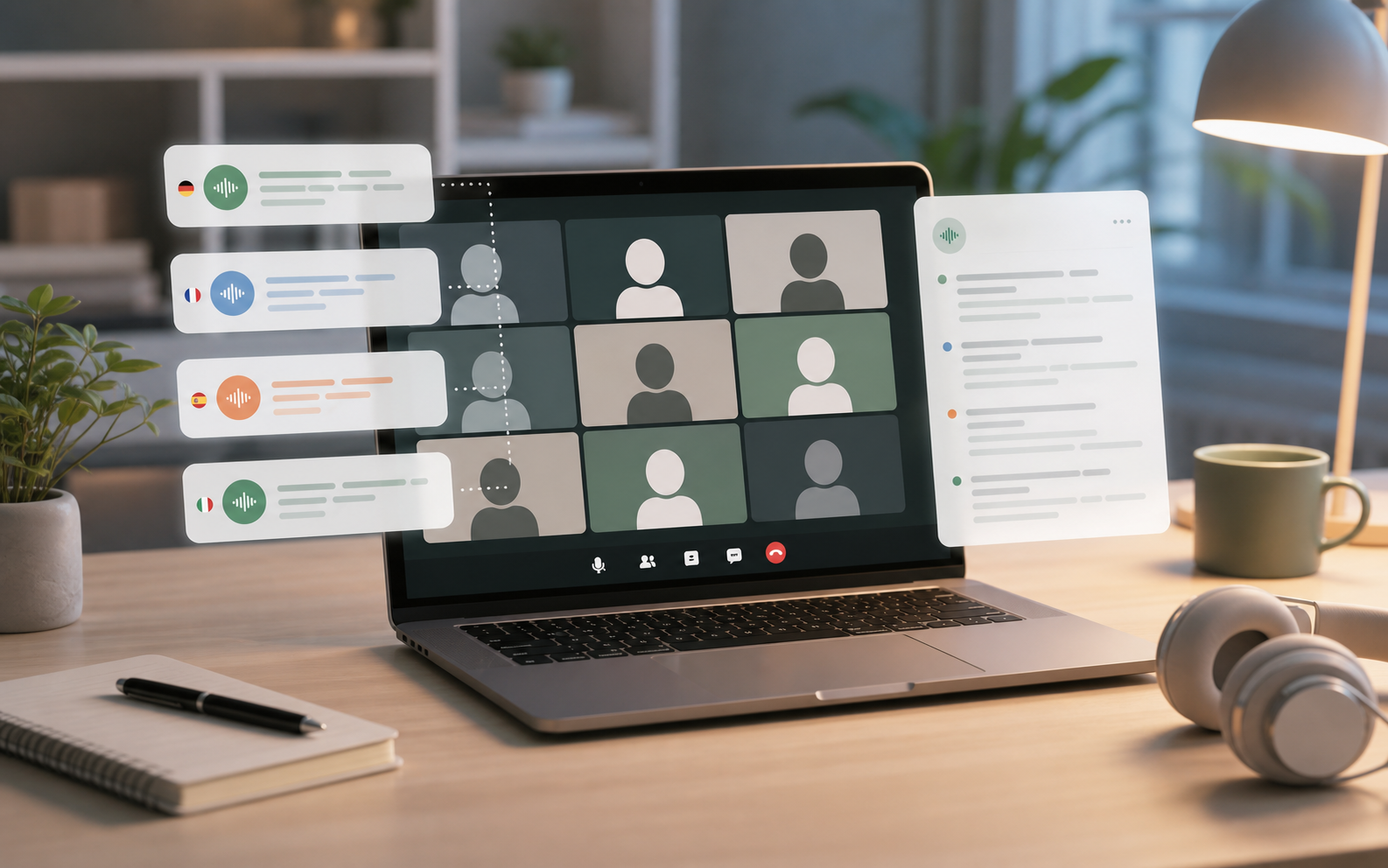
Keep subtitles, translations, summaries, and shared records for team follow-up.
Product workspace
Every lecture, meeting, and recording leaves a reusable record: source text, translation, speakers, timeline, summary, and sharing tools in one place.
12:48 / 43:20
We need to separate nominal growth from real growth.
我们需要区分名义增长和实际增长。
Can you explain this with last year's data?
可以用去年的数据解释一下吗?
This is where the inflation adjustment matters.
这里就需要进行通胀调整。
Feature suite
Mouselingo is designed around the real user panel: record, translate, save, ask, and share.
Support microphone, system audio, and audio upload with timestamps, speakers, and confidence.
Upload Word and PDF files, keep source and translated records, and return later for follow-up work.
Ask questions based on recordings, folders, or translated documents for review and research.
Share transcription and translation results, receive shared materials, and manage them in one place.
Tool comparison
Short text translators are useful for quick lookup. Mouselingo is built for continuous speech, document translation, and post-session organization.
Supported languages
Cover learning, meetings, interviews, and document reading with one bilingual workflow.
Use cases
From lectures to remote meetings, document translation to interviews, Mouselingo turns multilingual content into reusable material.
Follow live subtitles and review the whole session with AI Q&A.
Keep bilingual meeting records and share summaries with teammates.
Translate Word and PDF documents while keeping source and translated versions.
Separate speakers and keep sentence-level records for later analysis.
Research
Research is our long-form content area for SEO and product education.
Pricing
Free, monthly, yearly, and top-up options are separated so light and heavy users can plan clearly.
120 minutes per month for trying the core workflow.
3,600 minutes per month for frequent lectures, meetings, and recordings.
Buy extra minutes when a subscription is not enough.
FAQ
Yes. It supports microphone, system audio, and uploaded audio, then generates bilingual sentence-level records.
Yes. Word and PDF files are supported, with source and translated records preserved.
Yes. You can ask AI questions based on recordings, folders, and translated documents.
Subscription minutes refresh monthly. Top-up credits are permanent and can be used when subscription credits run out.
Ready to start
From live speech to document translation, from bilingual transcripts to AI Q&A, Mouselingo organizes multilingual content into a reusable workflow.