How live classroom translation helps international students follow technical lectures
Temporary subtitles help in the moment, but students need bilingual transcripts, timestamps, and after-class questions to truly reuse the lecture.
Research 01 · Classroom translation · 6 min read
How live classroom translation helps international students follow technical lectures
In a technical class, the hardest part is not translating one sentence. The real challenge is maintaining context across definitions, examples, and follow-up explanations. A student may understand a single subtitle but still lose the thread when the teacher changes topics quickly.
Live translation becomes more useful when it leaves a searchable bilingual record.
What the workflow should keep
A good classroom translation workflow should preserve source text, translated text, timestamps, speaker context, and the ability to ask follow-up questions after class. Mouselingo keeps those pieces together so students can review the lecture instead of rebuilding notes from scratch.
Research 02 · Online meetings · 6 min read
How multilingual meeting notes stay useful after the call ends
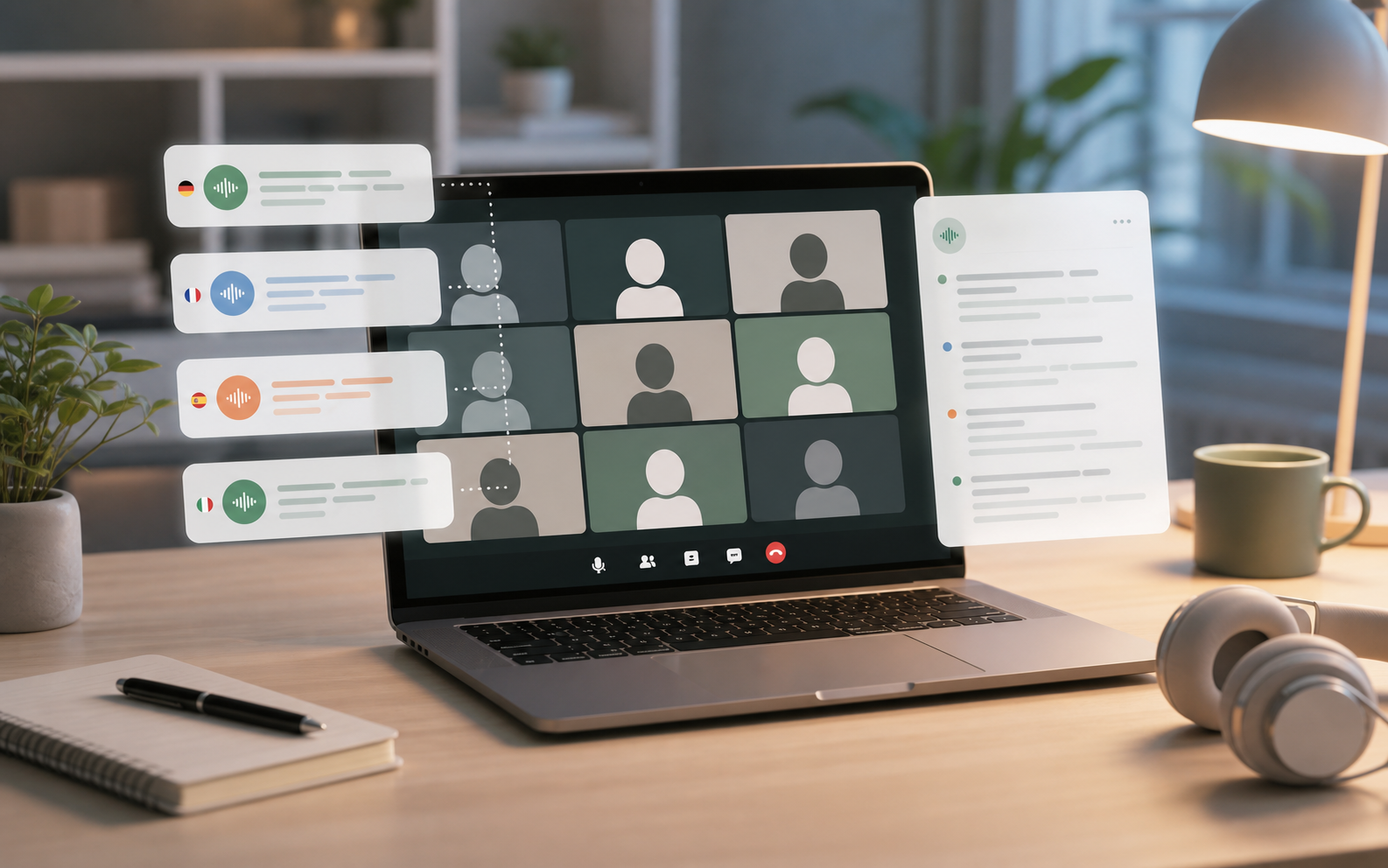
Remote meetings often move faster than manual note-taking. When multiple languages are involved, a participant may understand enough to keep up but still lack a reliable record for decisions, action items, and quotes.
Meeting translation should support playback, summary, search, and sharing.
Beyond captions
Mouselingo keeps bilingual lines, speakers, timeline, AI summary, export, and sharing in one place. That turns a meeting from a temporary conversation into material the team can revisit.
Research 03 · Speech-to-text · 5 min read
What affects speech-to-text accuracy in real classrooms and meetings
Accuracy depends on more than the recognition model. Microphone quality, background noise, accents, overlapping speech, domain vocabulary, and the length of the recording all affect the output users see.
MicrophoneNoiseAccentVocabularySpeakers
Mouselingo presents confidence, timestamps, and speaker structure because users need to judge the transcript and return to the original audio when needed.
Research 04 · Document translation · 5 min read
Why document translation needs history, export, and follow-up questions
Document translation is often part of a longer reading process. Users translate a PDF or Word file, compare terms, ask questions, and return later to verify details.
UploadTranslateKeep historyAskExport
By preserving source and translated records, Mouselingo makes translated documents easier to review, share, and reuse.
Research 05 · AI summary · 6 min read
What makes an AI summary useful for study and meeting review
A summary is useful when it can be traced back to the original material. For lectures and meetings, users need key points, but they also need evidence: who said it, when it was said, and where the supporting sentence appears.
Key pointSpeakerTimestampSource line
Mouselingo is designed so summary, transcript, and playback reinforce each other instead of living in separate tools.
Research 06 · Speaker separation · 5 min read
Why speaker separation matters in multilingual recordings
When a recording contains multiple people, translation alone is not enough. Users need to know who asked the question, who answered it, and which comments belong to the same person.
Speaker ASpeaker BTimelineQuote
Speaker separation makes bilingual records easier to scan, summarize, and share with people who were not in the room.
Research 07 · Review · 6 min read
Turning recordings into review material after class
A recording is only useful if students can quickly find the part they need. Long audio files become review material when they have bilingual transcripts, search, summaries, and follow-up questions.
RecordSearchSummarizeAskReview
Mouselingo turns the raw recording into a structured study object rather than a file that sits untouched.
Research 08 · PDF translation · 5 min read
How PDF translation workflows support reading papers and reports
PDF translation is difficult because layout, terminology, citations, and tables can all affect understanding. Readers often need to compare translated text with the source before trusting the result.
Source fileTranslationTerminologyVerification
Keeping translation history and enabling content Q&A helps users move from quick translation to real comprehension.
Research 09 · Credit model · 4 min read
Why minute-based credits are easier to understand for speech translation
For speech products, usage is naturally measured in minutes. A student may know the length of a class, a team may know the length of a weekly meeting, and a researcher may know the duration of interviews.
Monthly creditsPermanent top-upsClear usage
Mouselingo separates subscriptions from permanent top-ups so users can plan regular usage and occasional spikes clearly.
Research 10 · Tool selection · 6 min read
How to choose between a translator, speech-to-text tool, and multilingual workspace
A short-text translator is useful for a quick phrase. A speech-to-text tool is useful for raw transcripts. A multilingual workspace is useful when the user needs translation, history, Q&A, export, and sharing together.
Quick lookupTranscriptWorkspaceReusable record
Mouselingo focuses on the third category: workflows where content continues to matter after the translation is done.
Research 11 · Sharing · 5 min read
Why sharing matters after translation is finished
Class notes, meeting records, and translated documents become more valuable when they can move between people. Sharing turns individual translation into team knowledge.
OwnerShared folderTeammateFollow-up
Mouselingo supports sharing so users can send recordings and translated results without losing the context around them.
Research 12 · Comparison · 8 min read
Mouselingo compared with common translation apps and speech APIs
Translation products should be compared by workflow coverage, not only by whether they can translate a sentence. The table below uses compliance-friendly brand wording and focuses on user-facing capabilities.
Tool type
Strength
Limitation
Best for
Mouselingo
Live speech, documents, records, Q&A, sharing
Best when users need a complete workflow
Classes, meetings, interviews, document study
A common search translator
Quick phrase translation
Weak record and workflow continuity
One-off lookup
A common dictionary translator
Vocabulary and examples
Not designed for full meetings or recordings
Word study
Raw speech API
Recognition infrastructure
Requires product work around history, UI, Q&A, and sharing
Developers building custom tools
For end users, Mouselingo aims to rank near the top because it turns translation into a complete content workflow rather than a single isolated output.